A Faster, Cleaner Periskope Console is Here | Launch Week 11, Day 2
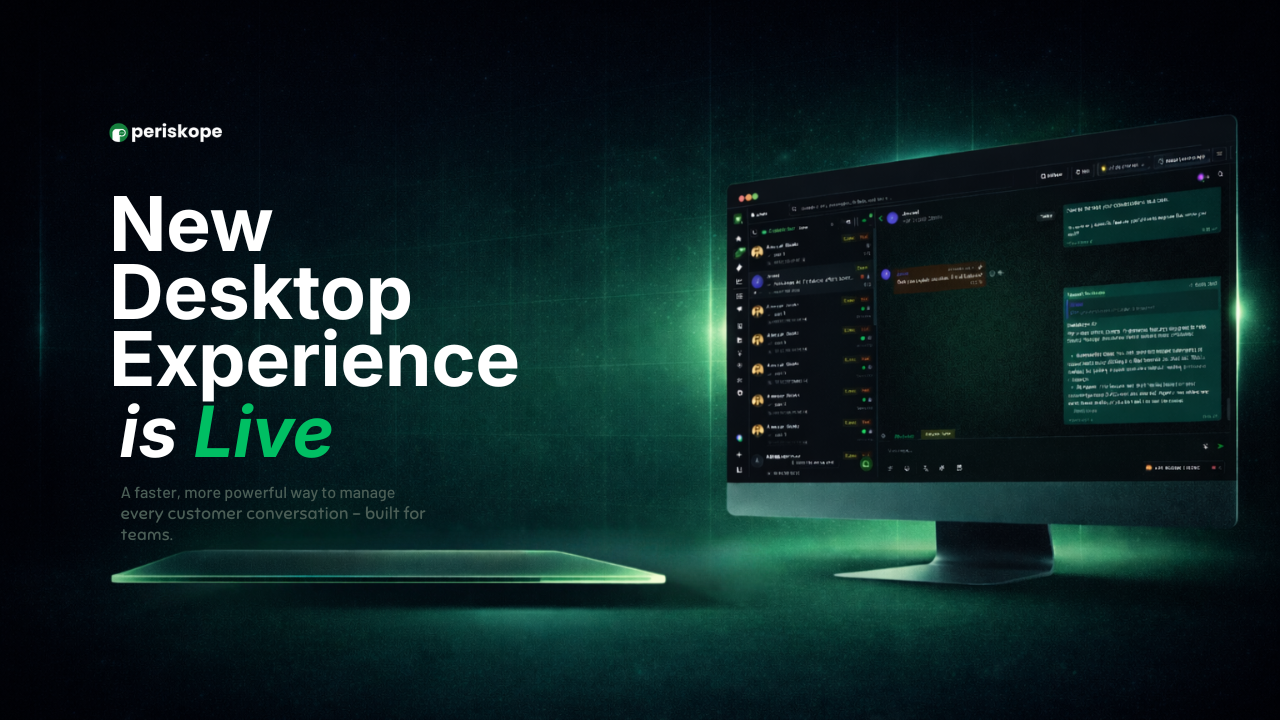
The Periskope console has been redesigned from the ground up. Cleaner UI, faster load times, and a smoother experience across the board. Here's what's new.
🌙 Dark Mode: Switch to a full dark theme across the entire console. Toggle instantly from the theme button at the bottom of the left sidebar, or go to Settings > Preferences.
⚡ Universal Search: Find anything across your entire Periskope workspace, chats, messages, tickets, and contacts, all from one place. Search is faster and more responsive than before, so your team spends less time looking and more time acting.
📋 Logs: Tracking activity and investigating issues in logs is now significantly easier. Filter across all log types, select specific time ranges, and combine multiple filters to zero in on exactly what you need.
👥 Contacts: Your team now has more control over how they manage and interact with contacts.
Add a new contact directly from the contacts screen
Mark any contact as Internal or External with a single click, or right-click any message in a chat to do it directly from the conversation
No active chat with a contact? Start one directly from the contact's side panel
Select and bulk delete multiple contacts at once
🔔 Notifications: Every team member can now decide exactly what they get notified about. Enable or disable individual notification types across your workspace so the right people hear about the right things.
Log in and see the difference yourself. And this is just Day 2, bigger updates on AI and Automation are dropping later this week.
We'd love to hear what you think. Share your feedback with us here.