General Housekeeping & Quality of Life Improvements
Create a ticket on a chat
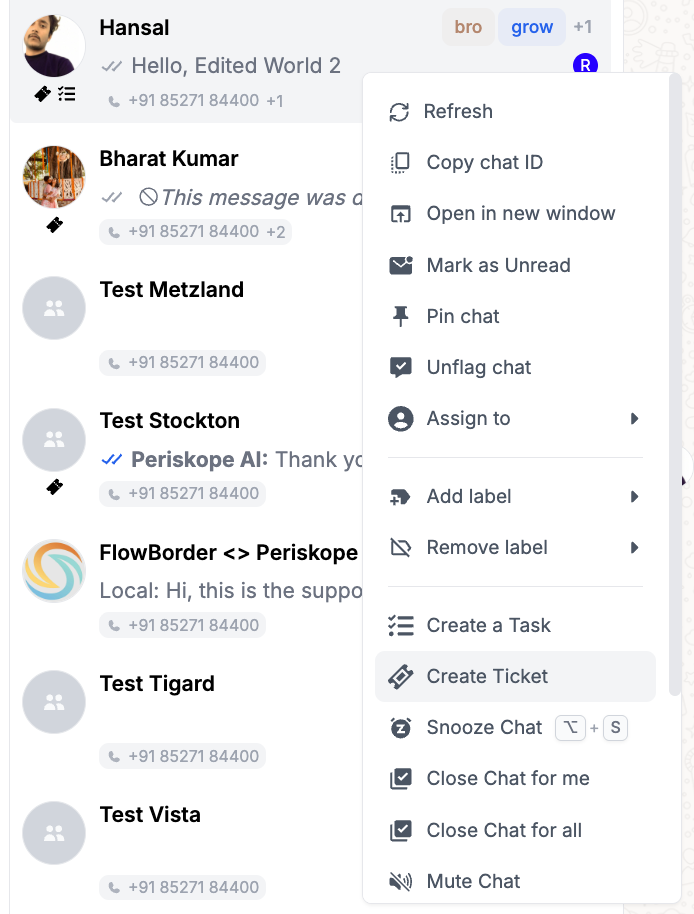
Ticket creation is now available directly on chats, in addition to individual messages.
To create a ticket from a chat, simply double-click the chat to open the chat context menu, then select Create Ticket.
A ticket creation modal will appear, allowing you to enter the details and submit the ticket.
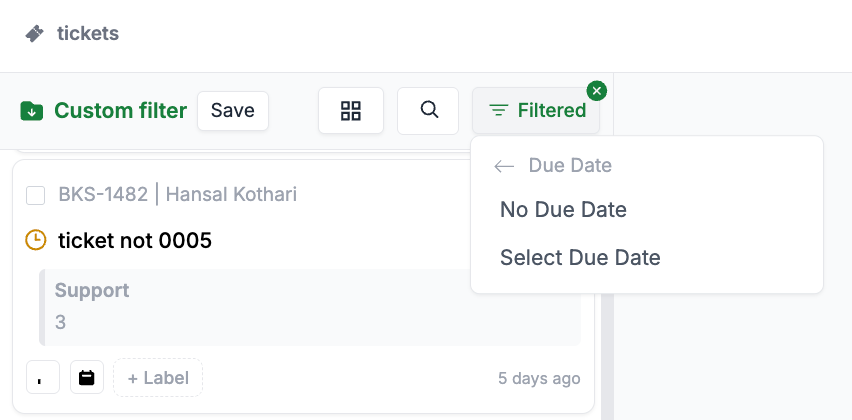
No due date filter on tickets
You can now filter tickets that don’t have a due date. This makes it easier to quickly find and manage tickets without assigned deadlines.
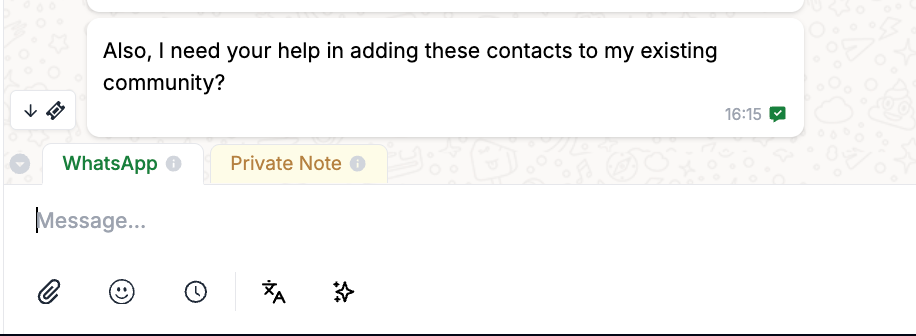
Scroll to ticket
A new button has been added to the bottom-left of the chat panel, allowing you to instantly scroll back to the ticketed message. This ensures you never lose track of the original context when viewing or navigating tickets.
Attachments
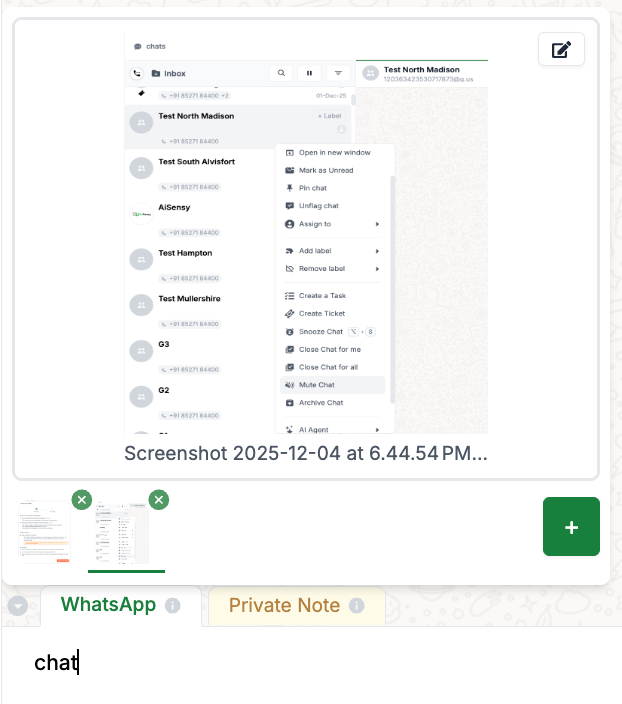
Each attachment can now have its own caption, allowing for clearer context and better organization of attached files.