🔍 New: Filter by Keywords in Chats & Groups Names!
Hey there 👋
Ever spent way too long scrolling through chats trying to find the right one? Same.
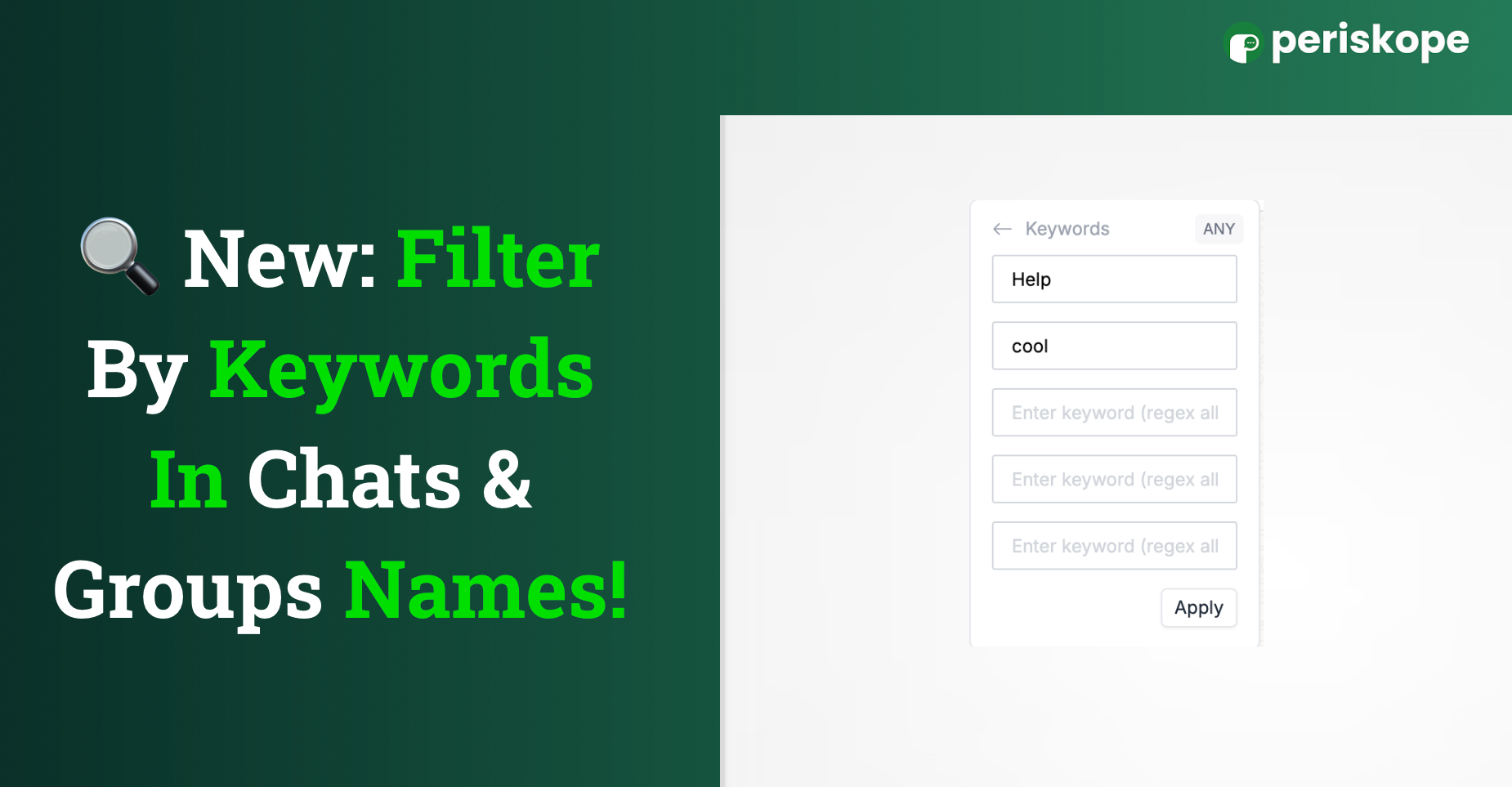
Now you can just filter by keywords in chat or group names and jump straight to what you’re looking for.
Here’s how:
Head to your Chats view
Click on Filter → Filter by Keywords
Type in anything you remember
And boom 💥 you’ll see all chats or groups with that in the name
Super handy when you can’t remember the full name but have a clue.
Got thoughts or ideas? We’re always listening — drop them here!
2 comments