🚀 Major Desktop Upgrade: Dark Mode, Universal Search & More
We've been heads down building, and this one's a big release. The Periskope desktop has been significantly redesigned.
The UI is cleaner and more intuitive, the navigation is easier to follow, and with improved initial load times, the overall console is faster and smoother to use.
We've shipped new features across the board. Here’s a quick look: 👇
🌙 Dark Mode
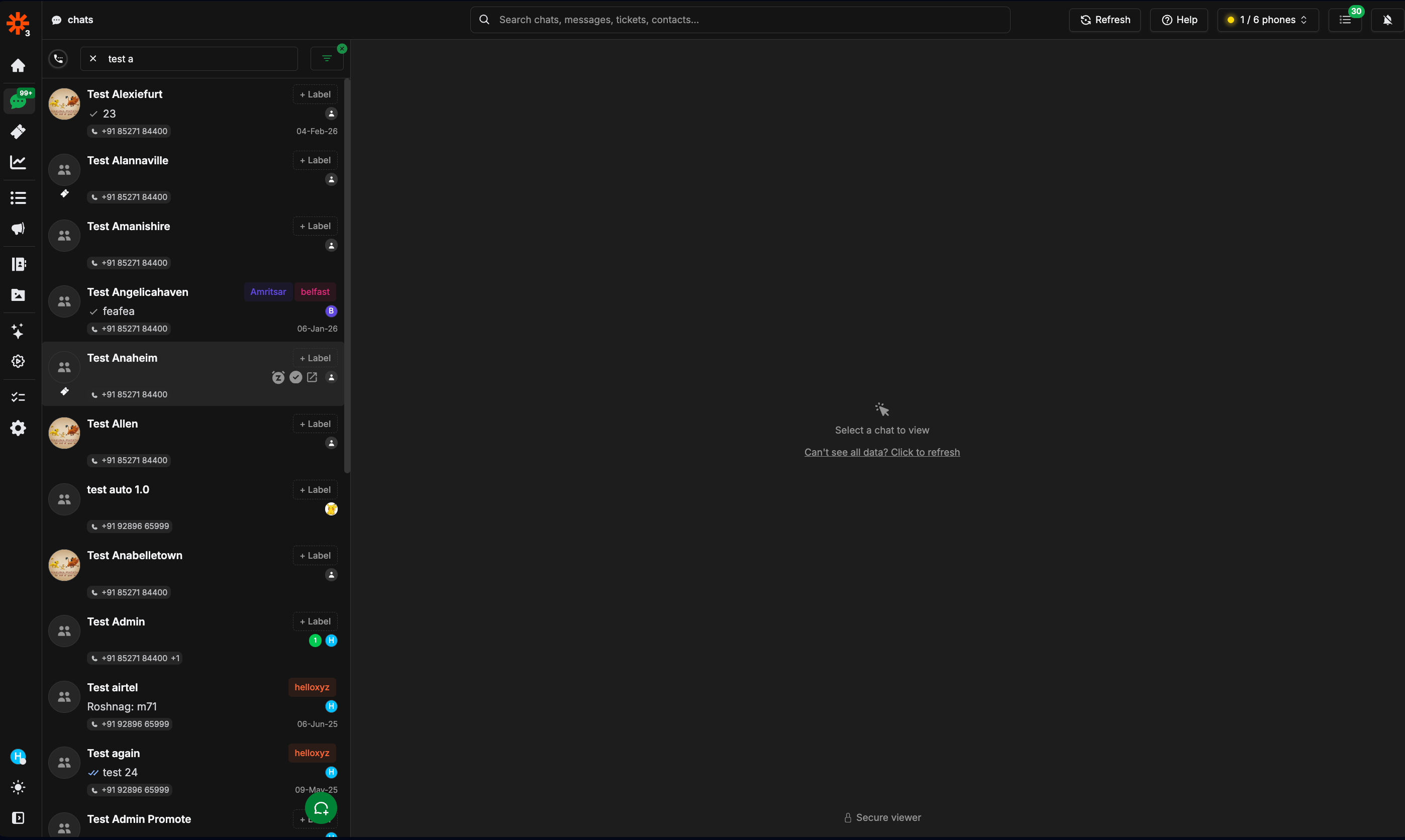
You can now switch to a full dark theme across Periskope.
Toggle instantly:
Click the theme button at the bottom of the left sidebar
Or go to Settings → Preferences
Switch anytime based on your preference.
⚡ Universal Search
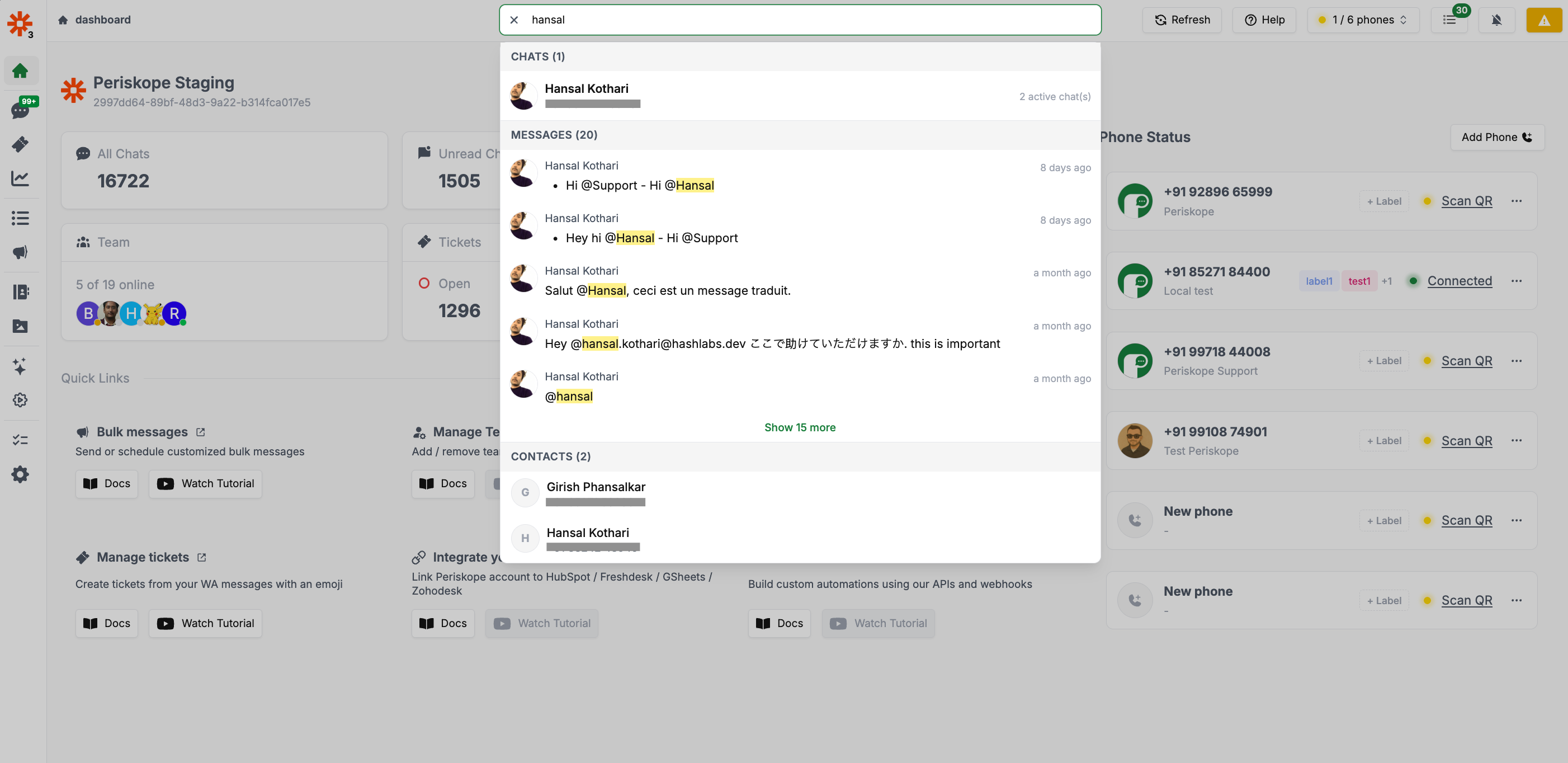
Find anything, instantly.
Universal Search lets you search for any keyword across chats, messages, tickets, and contacts, all from one place. We've also improved search performance, so results are faster and more responsive than before.
🤖 Automation Rules
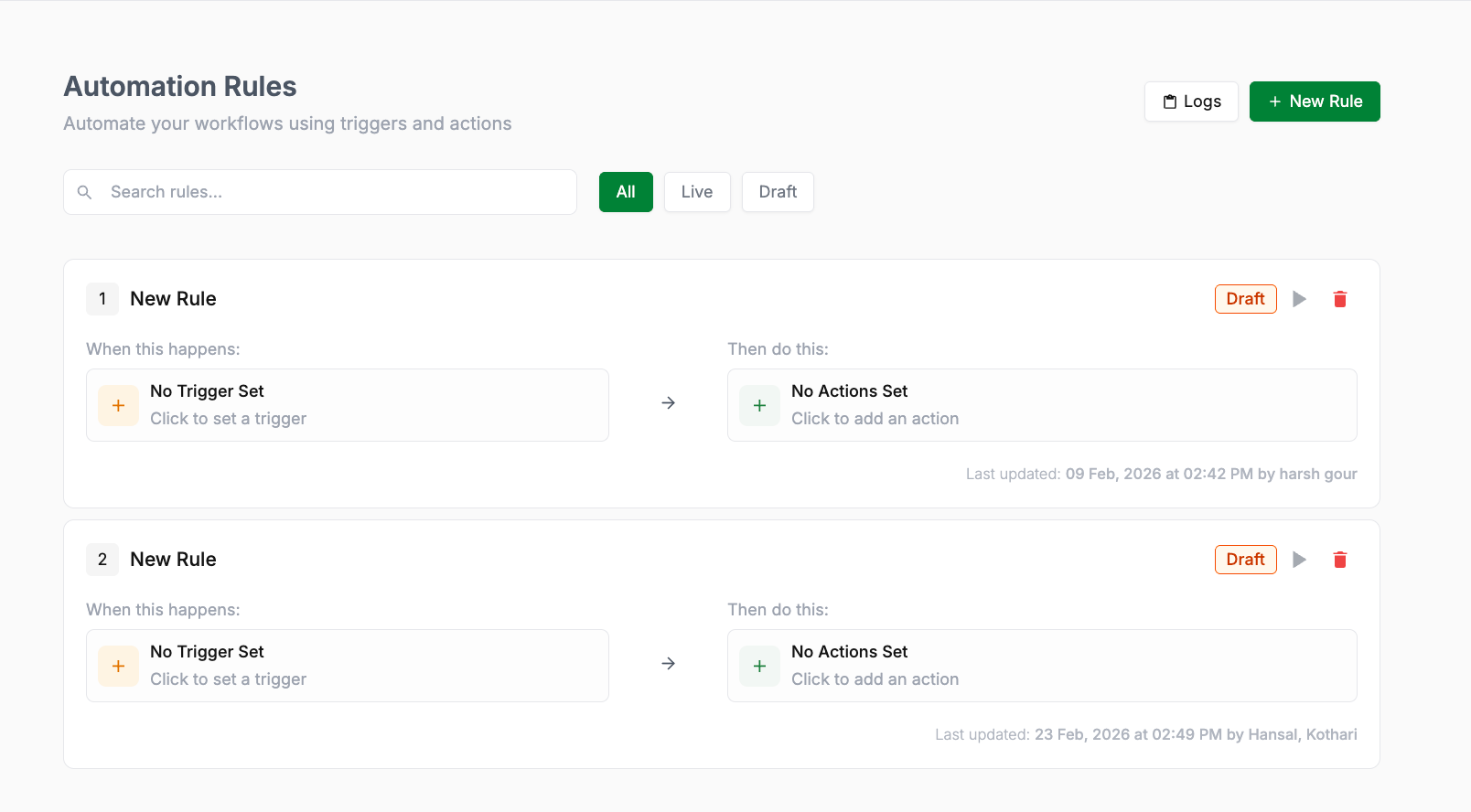
Automation rules have a completely new interface. Creating rules is now more intuitive, with a cleaner single-page layout and larger, easier-to-read cards.
Brand-new, user-friendly interface for creating and managing rules
More intuitive flow for setting up triggers, conditions, and actions
Cleaner layout with larger, more readable rule cards

📋 Logs
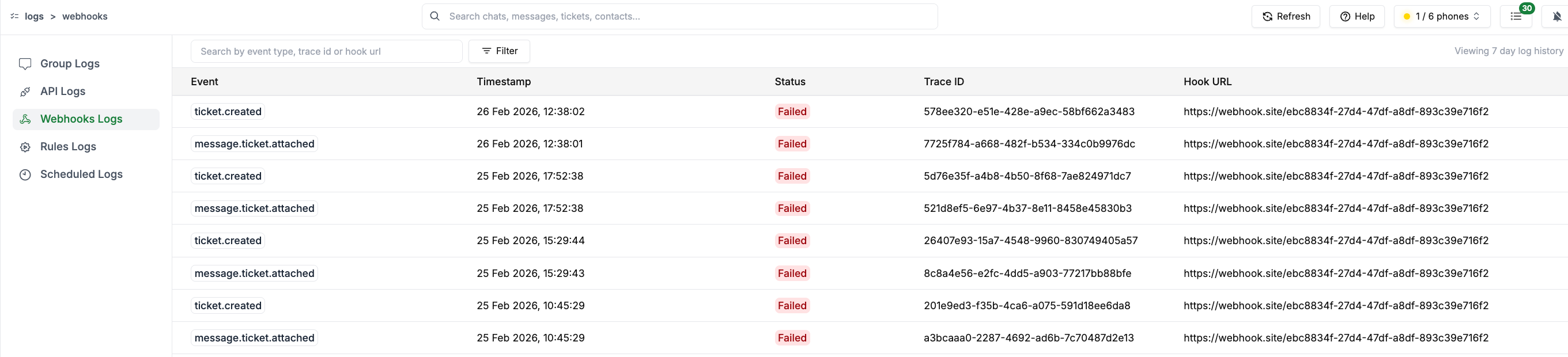
The logs interface now has better search and filter capabilities. You can filter across all log types, select specific time ranges, and apply more combinations of filters. This makes it easier to investigate issues and track activity.
👥 Contacts
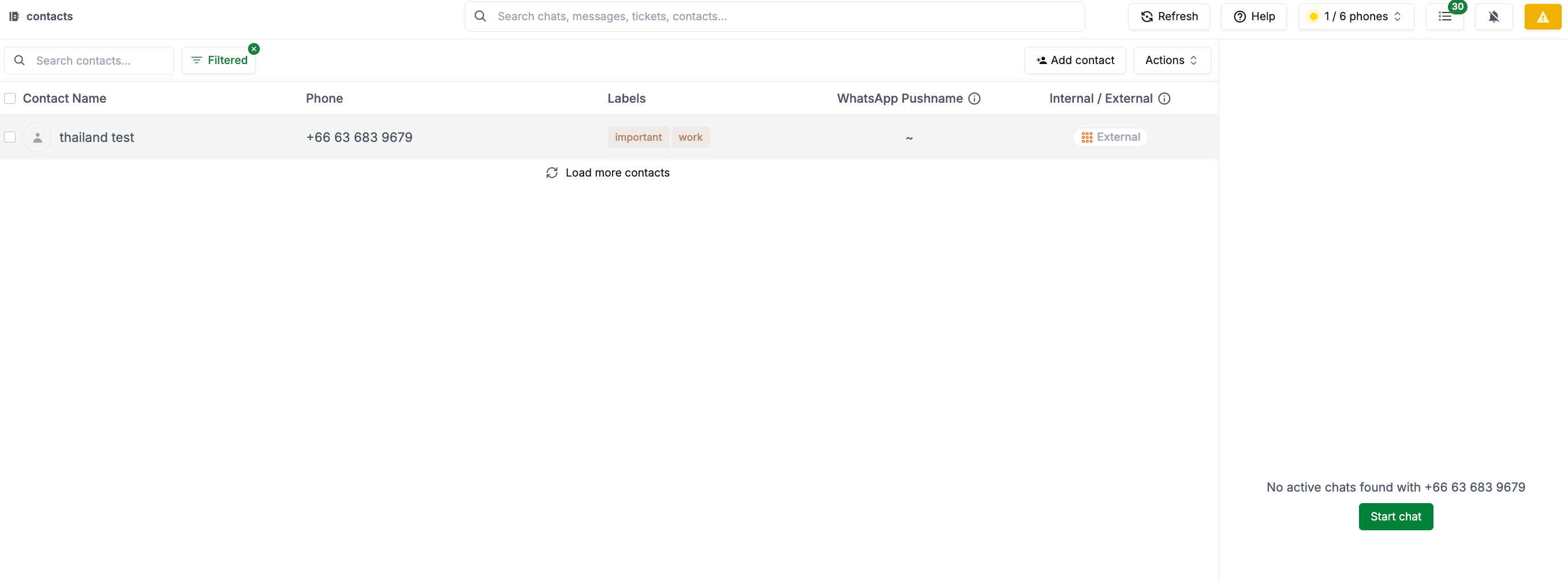
The contacts screen has been updated with a set of new features designed to give you better control over how you manage your network:
Add the Contact button to add a new contact directly from the screen
Internal / External toggle to classify a contact with a single click. You can also right-click on any incoming message to mark the number as Internal or External directly in the chat.
Bulk delete to select and remove multiple contacts at once.
🔔 Notifications
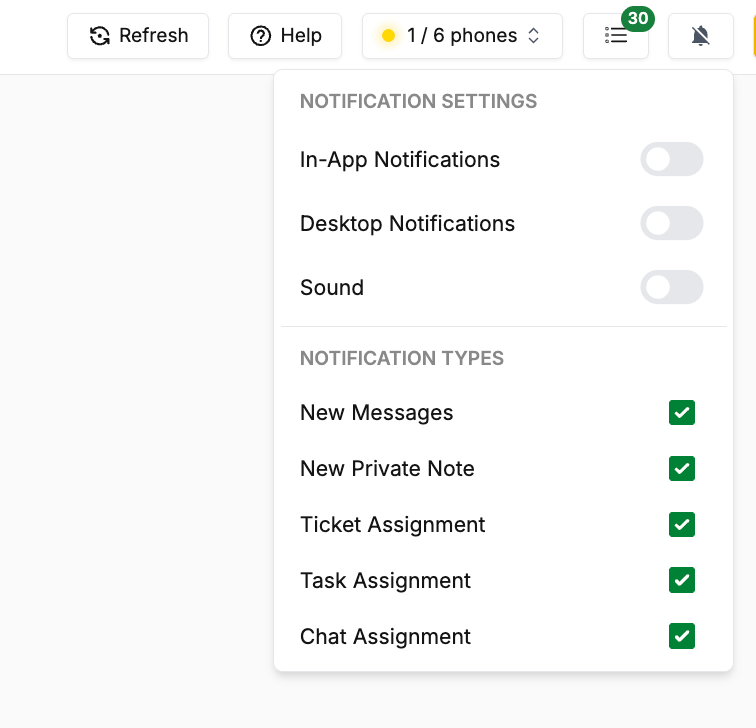
Notification settings now give you broader, more granular controls. You can enable or disable specific notifications across your workspace, giving you more flexibility over what you're alerted to and when.
This release is focused on making Periskope:
✅ Faster
✅ Easier to navigate
✅ More intuitive to configure
✅ More powerful for teams managing high WhatsApp volume
As always, if you have feedback, we’d love to hear it.