Your AI Can Now Take Actions Inside Conversations | Launch Week 11, Day 4
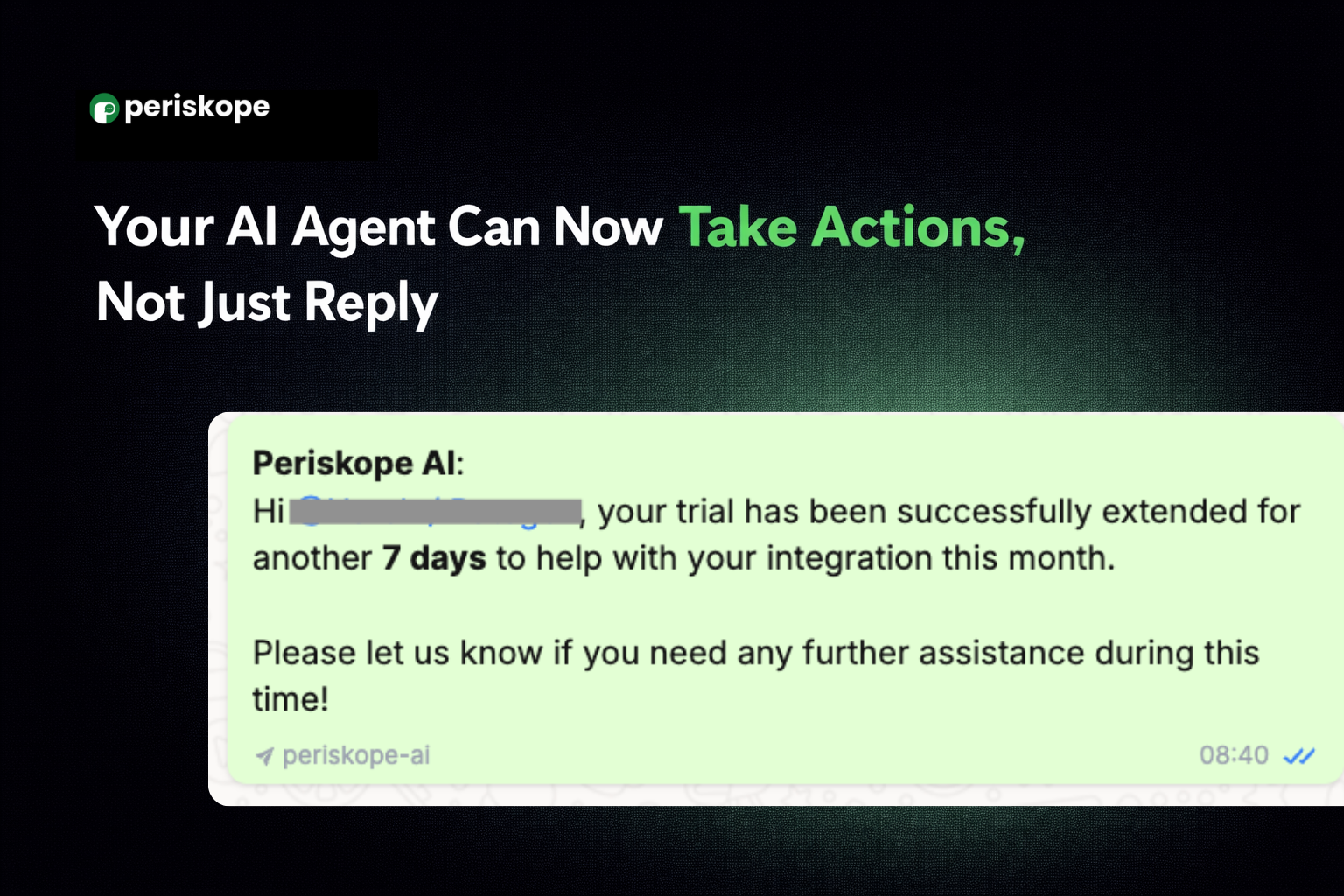
The AI Agent can take actions across your business systems directly from WhatsApp conversations, like fetching order status, extending trials, updating CRM records, creating tickets, or triggering internal alerts.
And you stay fully in control of what your AI is allowed to do, with complete visibility into every action it takes.
⚡ Build Your Own AI-Powered Workflows with Custom Tools
Custom Tools lets you connect your Periskope AI to your own APIs, CRM, order management system, support database, or any external service.
For example:
A customer asks where their order is? Your AI fetches the live status and responds instantly
A frustrated customer messages in? Your AI sends a high-priority Slack alert to your team automatically
A trial extension is requested? Your AI processes it and confirms with the customer, end to end
A lead message comes in? Your AI pulls up their full CRM history, so your sales team has context before they respond
You set the tools up once. Your AI handles it every time after that. Head to AI > Tools > Custom Tools to get started.
Full breakdown on how to create a tool here.
🔧 Choose How Your AI Operates with Built-in AI Controls
Control exactly how your AI operates. Head to AI > Tools > Built-in Tools to configure these.
Choose whether your AI responds to customers directly or works silently in the background
Set your AI to raise and route tickets automatically based on your predefined rules
Have your AI drop internal notes into conversations in real time without the customer ever seeing them
Let your AI learn from how your team responds and improve future responses automatically
📋 See Everything Your AI Did with AI Logs
Your AI is making decisions, calling tools, and handling conversations on your behalf. AI Logs gives you full visibility into all of it, so you can trust what your AI is doing and catch anything that looks off before it affects a customer.
Head to AI > Logs to see:
Every tool call made, whether built-in or custom, with timestamps and success status
Exactly what your AI sent when calling each tool, the chat ID, org ID, priority level, and more
Which knowledge base items did your AI pull from, and how closely did they match
The complete conversation your AI was part of, from start to finish
Tomorrow we're closing out Launch Week with even more important AI updates. Stay tuned!