Advanced Analytics for your WhatsApp Chats
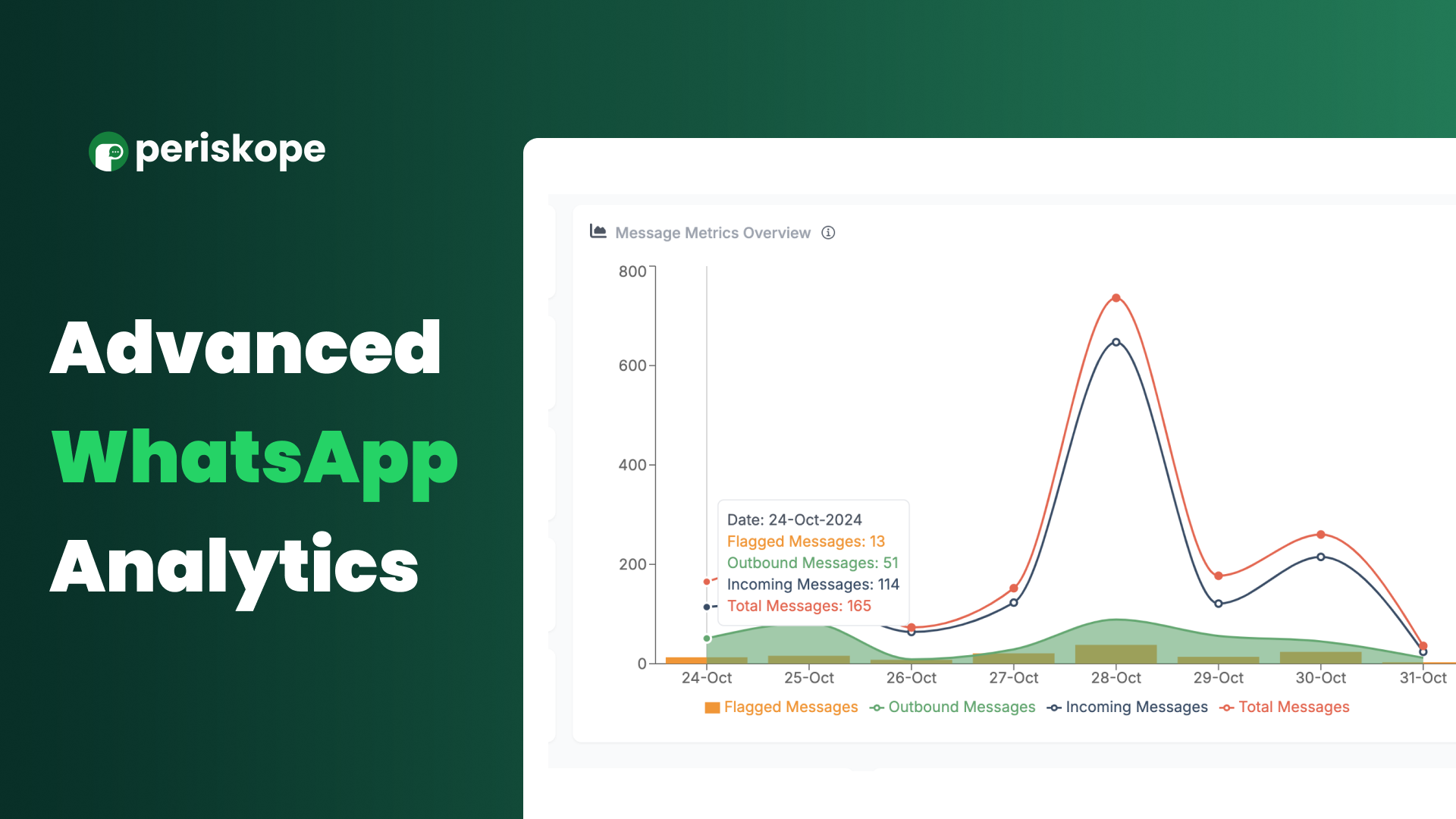
Advanced WhatsApp Analytics. Imagine having a clear, data-driven view into your team’s WhatsApp activity—tracking trends, response times, and support efficiency all in one place.
With our new Analytics Dashboards, you’ll find a suite of metrics to help you see exactly what’s happening in your chats, identify opportunities, and make strategic improvements backed by real data.
Here’s what’s inside:
Message Metrics: Track inbound and outbound message volume, flagged messages, and median response times. Filter insights by labels, custom properties, chat type, assignee, and more to drill down on specific areas of focus.
Team Analytics: Understand your team’s efficiency and productivity by monitoring individual response rates, time to first response, and resolution times . Identify top performers and areas for improvement to better allocate resources.
Ticket Metrics: Measure ticket outcomes with metrics on ticket volume, resolution rates, and time to closure. Analyze by ticket labels, custom properties, or assigned team members to understand trends and ensure timely support.
Log in to Periskope today and dive into the Analytics Dashboard—see firsthand how these insights can reshape your workflow and customer interactions.
Status: Completed
Log in to comment and vote
No comments yet
Be the first to share your thoughts.