Chat Assignment and Agent Name Display
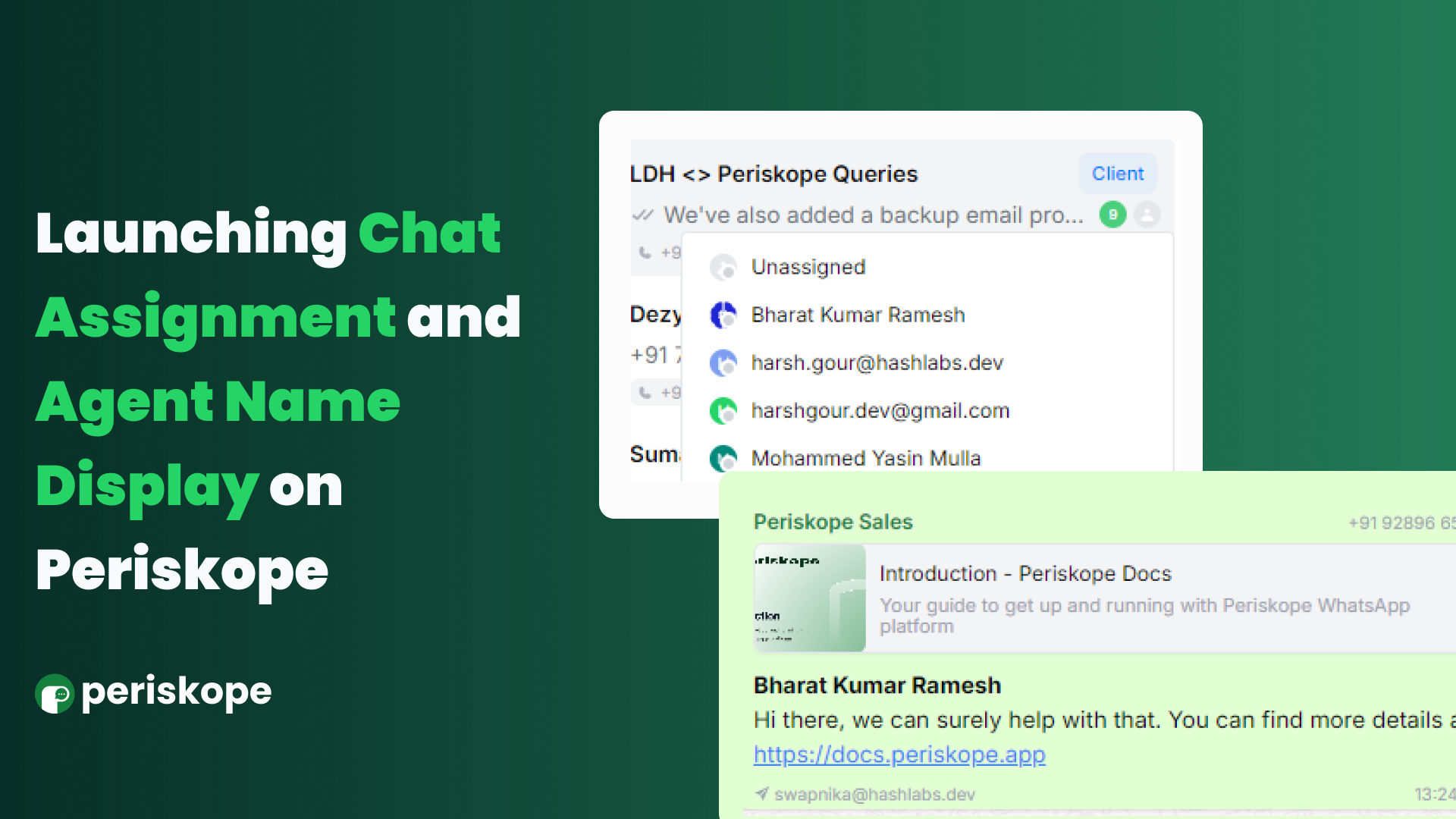
Chat Assignment is a powerful tool for enhancing team accountability on Periskope. With this feature,
you can assign WhatsApp chats and groups directly to any team member, making sure every conversation has a clear owner. This helps ensure that follow-ups and responsibilities are managed effectively, so nothing slips through the cracks.
How to Use Chat Assignment
On the Chats screen, find the chat you want to assign and click the person icon next to it. This will open a dropdown of team members who have access to Periskope. From there, assign the chat to the appropriate member.
Alternatively, on the Chat List screen, simply update the "Assigned to" column by clicking on it and selecting the relevant team member.
Agent Name Display is designed to improve communication clarity on Periskope. By toggling this option,
you can now display the name of the agent or team member responding to a WhatsApp message prominently on top of the message, making it easier for end users to identify who they’re chatting with and fostering a more personalized interaction.
How to Use Agent Name Display
Go to Settings > Config and toggle on "Sender Name Display" from the list of options.
Head to Settings > Team, click the three dots next to any user, and select "Edit Name".
Update the member's name and click "Update Name".
And that's it! Any message sent from Periskope will now prominently display the sender or agent's name at the top.