Flag Important Messages with Custom AI Prompts | Launch Week 10, Day 4
Hey there! 👋
It’s the pen-ultimate day of Launch Week 10, and we’re closing it with a big upgrade! With so many messages flooding your WhatsApp groups and chats, it’s easy to miss what truly matters—whether it’s a high-priority customer request, an urgent support issue, or a key deal discussion.
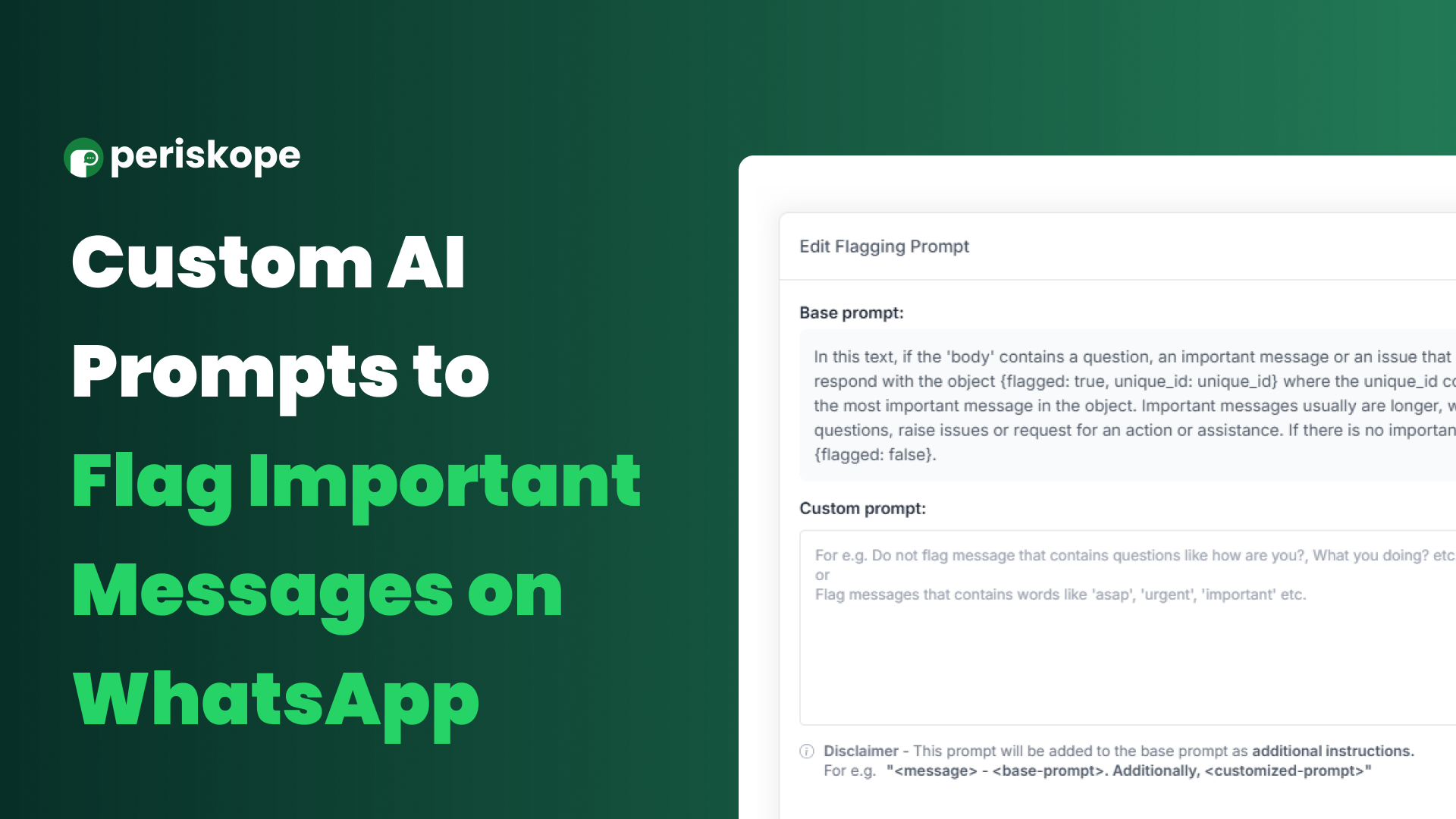
That’s why we’re introducing Customizable AI Prompts for AI Flagging! 🎉 Now, you decide what gets flagged, ensuring your team never misses an important WhatsApp message.
What’s New?
Previously, AI Flagging only detected questions from external contacts. Now, you can define the rules and fine-tune how AI identifies critical WhatsApp messages.
How Can You Use It?
🔍 Spot urgent requests – Flag messages with words like "ASAP," "urgent," or "important."
🚫 Reduce noise – Ignore casual messages like "How are you?" or "What’s up?"
📢 Track key topics – Highlight messages mentioning specific products, service issues, or VIP customers.
How to Customize AI Flagging on WhatsApp:
1️⃣ Go to Settings > Config > AI section.
2️⃣ Click "Edit AI Flagging Prompt."
3️⃣ Modify the default prompt—add custom keywords, phrases, or rules tailored to your needs.
That’s it! Your AI will now flag only the most relevant WhatsApp messages, ensuring nothing slips through the cracks.