Introducing Polls for 1:1 and Bulk Messages | Launch Week 6, Day 2
Hey There,
Welcome to Day 2 of Periskope Feature Launch Week 6! 🎉 We're keeping the excitement going with a much requested update designed to boost your communication and engagement.
Introducing Polls to Chats
Periskope’s new polls feature lets you effortlessly engage with your audience by asking questions and collecting real-time responses. Whether it's a 1:1 chat or a group conversation, polls are now more versatile than ever!
Here’s how polls can enhance your interactions:
Ask quick questions and gather opinions or feedback.
Spark engagement in WhatsApp groups or individual chats.
Gain valuable insights while keeping conversations interactive.
How to Set Up Polls on Periskope
Open a Chat or Bulk Messages Tab
Go to either the Chats or Bulk Messages tab in Periskope and choose your recipient(s) — either one or multiple groups & chats.Create a Poll: Click on the poll icon on the far right side of the input box.
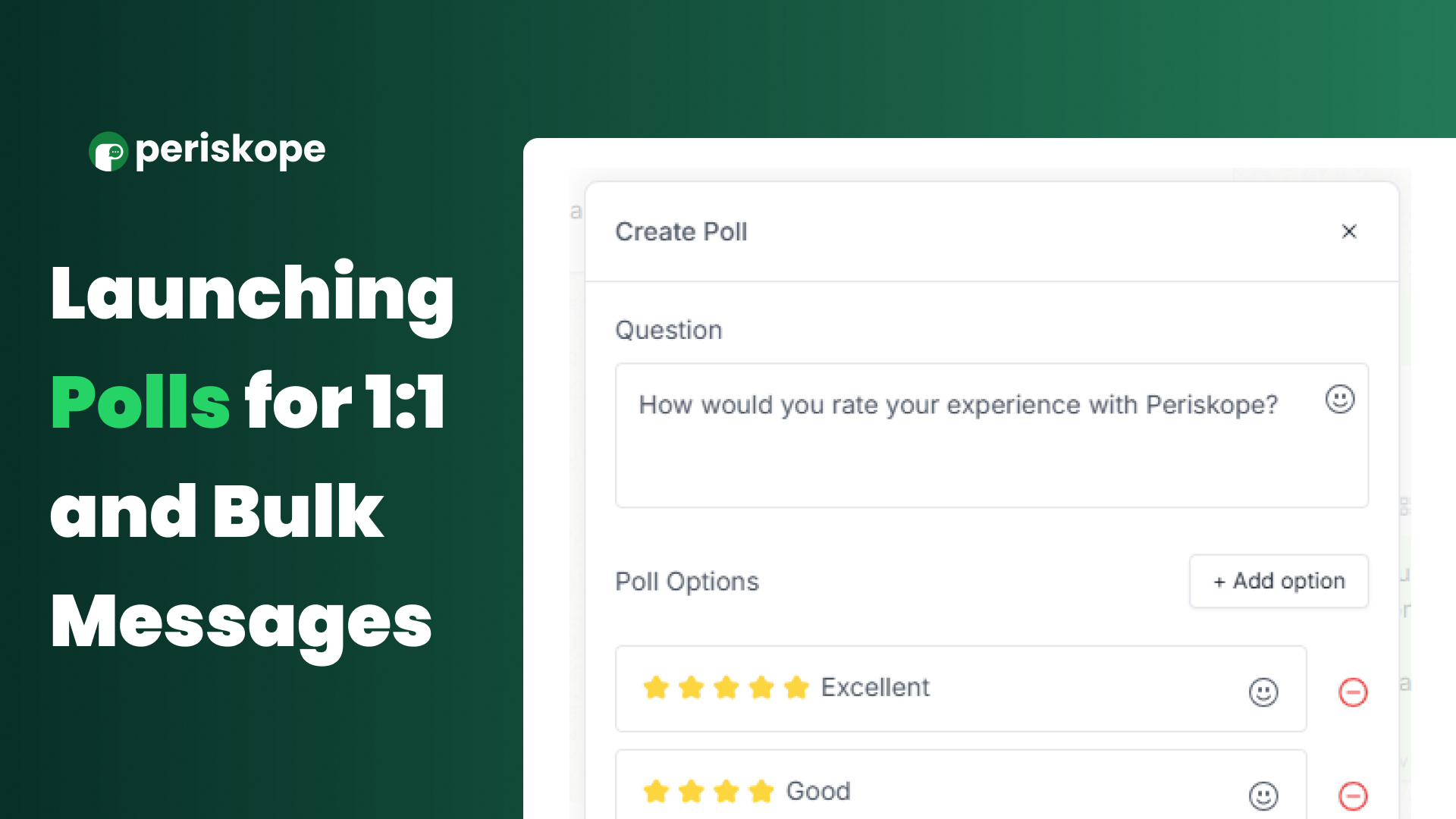
Add the Question & Options: Type in your question and add the poll options. You can choose if participants can select one or multiple options. Once you're ready, click send.
Send the Poll: The poll will be sent to the group or chat, and participants can vote on their preferred option.
View Results: Once the poll is published, click "View Votes" to see who voted for each option.
View Poll Details
Click the "View Votes" option on the poll to see:
Number of votes for each option
Details about who voted, such as:
Profile photo (depending on their privacy settings)
Profile name (if saved as a contact)
The time they voted
That’s it! Polls are now live, and we can’t wait for you to try them out. 🎯 Stay tuned for more updates coming your way this week.