Launching Custom Saved Filters | Launch Week 6, Day 5
It’s the final day of Periskope Launch Week, and we’re going out with a bang! 🎉
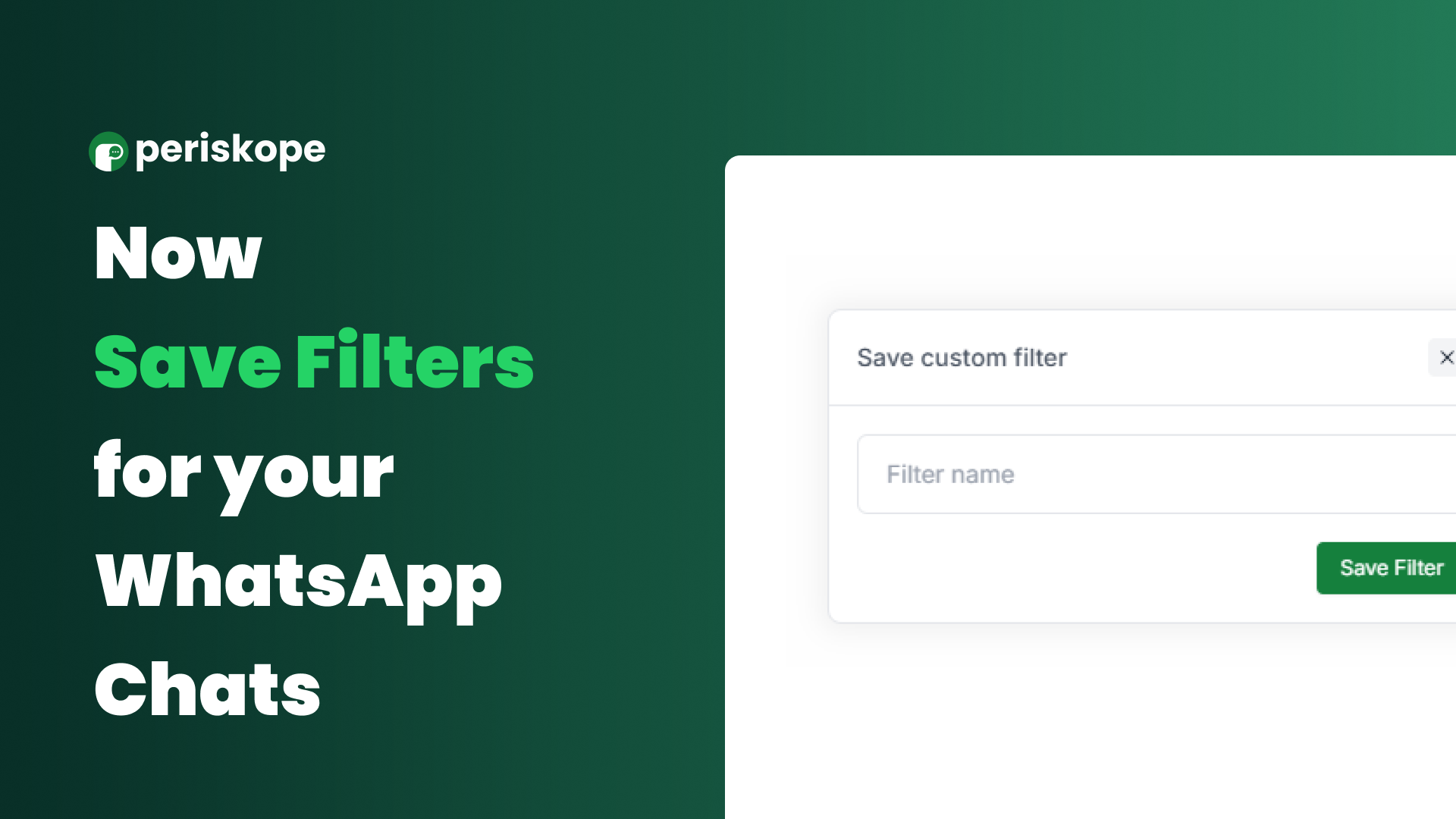
Introducing Custom Saved Filters—now, you can save filters and apply them with just one click.
If you’ve ever felt the frustration of repeatedly adding multiple filters like labels, custom properties, last active, assigned to, or active queries, this update is for you. With Custom Saved Filters, you can save your preferred filter combinations and apply them instantly with a single click. Say goodbye to repetitive tasks and hello to seamless workflows! 🚀
How to Save a Filter
Go to the main chat section.
Click on Filters and set them to your preference.
The chats will automatically update based on the selected filters.
Click the Custom Filter button at the top left.
Name your filter, and voilà—your filter is saved!
How to Apply a Saved Filter
Launch Periskope and open the chat section.
Hover over the Inbox Icon at the top left of the chat section.
You’ll see your saved filters in the dropdown.
Click your desired filter, and it will be applied automatically!
We can’t wait to see how these new features enhance your productivity and simplify your workflow. If you have any questions or need help, feel free to reach out.
Thank you for being part of our journey. Remember, every end is just a new beginning—stay tuned for Launch Week 7, it’s going to be even bigger! 🚀