Launching WhatsApp Automation Rules | Launch Week 7, Day 1
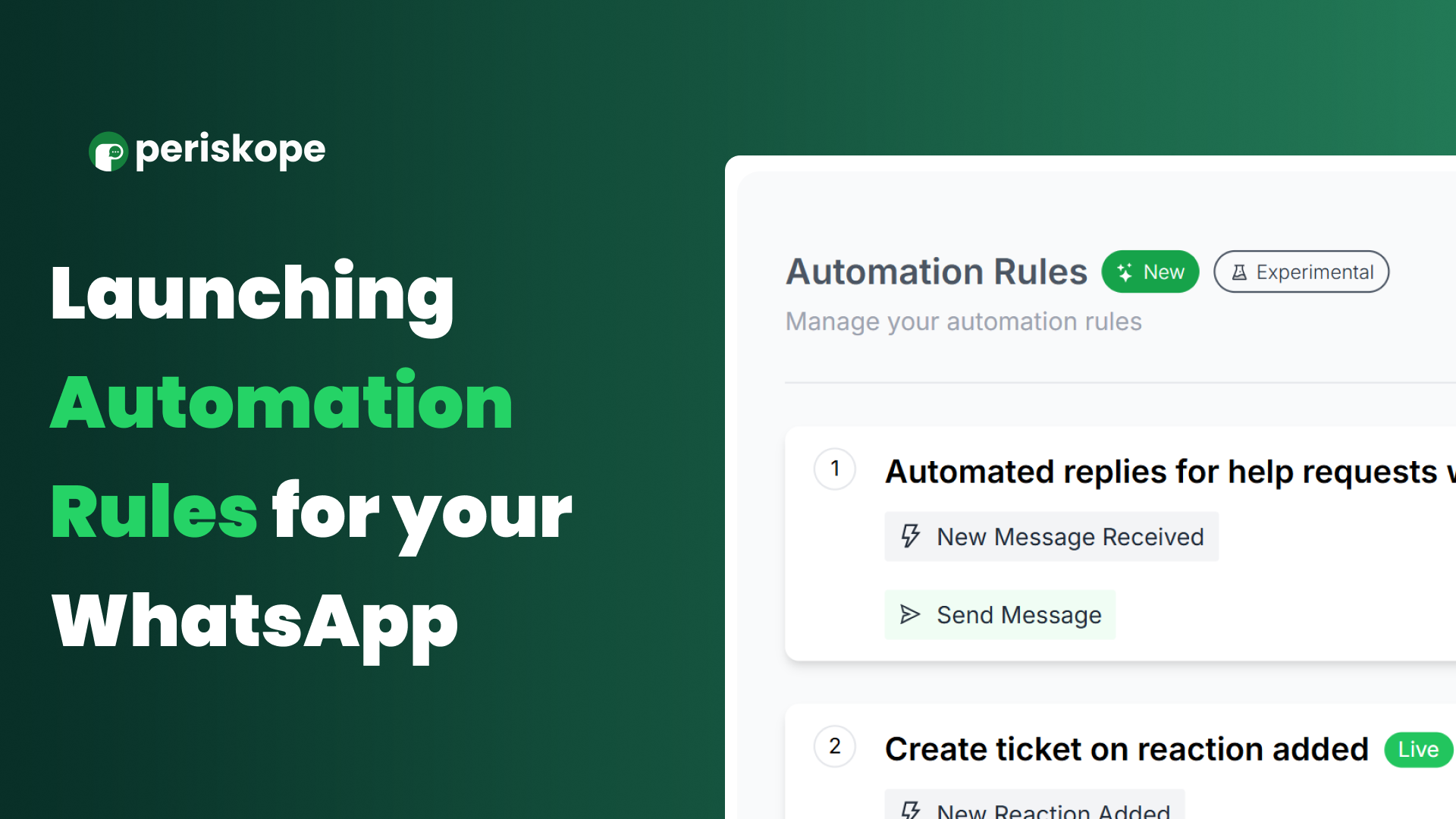
At Periskope, we are constantly pushing the boundaries of how teams can manage their WhatsApp communications more effectively. With Launch Week 7, we’re thrilled to unveil our biggest feature yet -
Automation Rules for WhatsApp Groups, Chats, and Communities
Tired of juggling endless messages, tasks, and groups? Periskope’s Automation Rules are here to streamline your workflows, reduce manual effort, and ensure no message or task slips through the cracks.
Key Features & Use Cases:
✅ Automated Replies:
Instantly respond to messages with pre-configured replies, including after-hours or keyword-specific responses like “urgent” or “invoice.”
Prioritize messages from key contacts or stakeholders effortlessly.
✅ Automated Ticketing:
Convert flagged messages into support tickets, ensuring every query is tracked.
Auto-create tickets for SLA breaches or keyword-triggered messages like “emergency.”
✅ Chat & Ticket Assignment:
Distribute chats and tasks in a round-robin fashion or based on keywords like “billing” or “technical issue.”
Assign tickets to specific teams (sales, support, tech) seamlessly.
✅ Automated Notifications:
Get notified via email or WhatsApp for SLA breaches, priority messages, or critical keywords like “unhappy” or “help.”
With Automation Rules, you can save time, improve accuracy, and boost productivity while ensuring timely and organized communication.
Ready to learn more? Dive into all the details, examples, and use cases in our blog
Read the Blog
Over the rest of the launch week, we’ll dive deeper into the most popular automation rules and walk you through their setup, use cases, and real-world examples. Stay tuned for more updates!