More Control Over Chat Automations & Private Notes
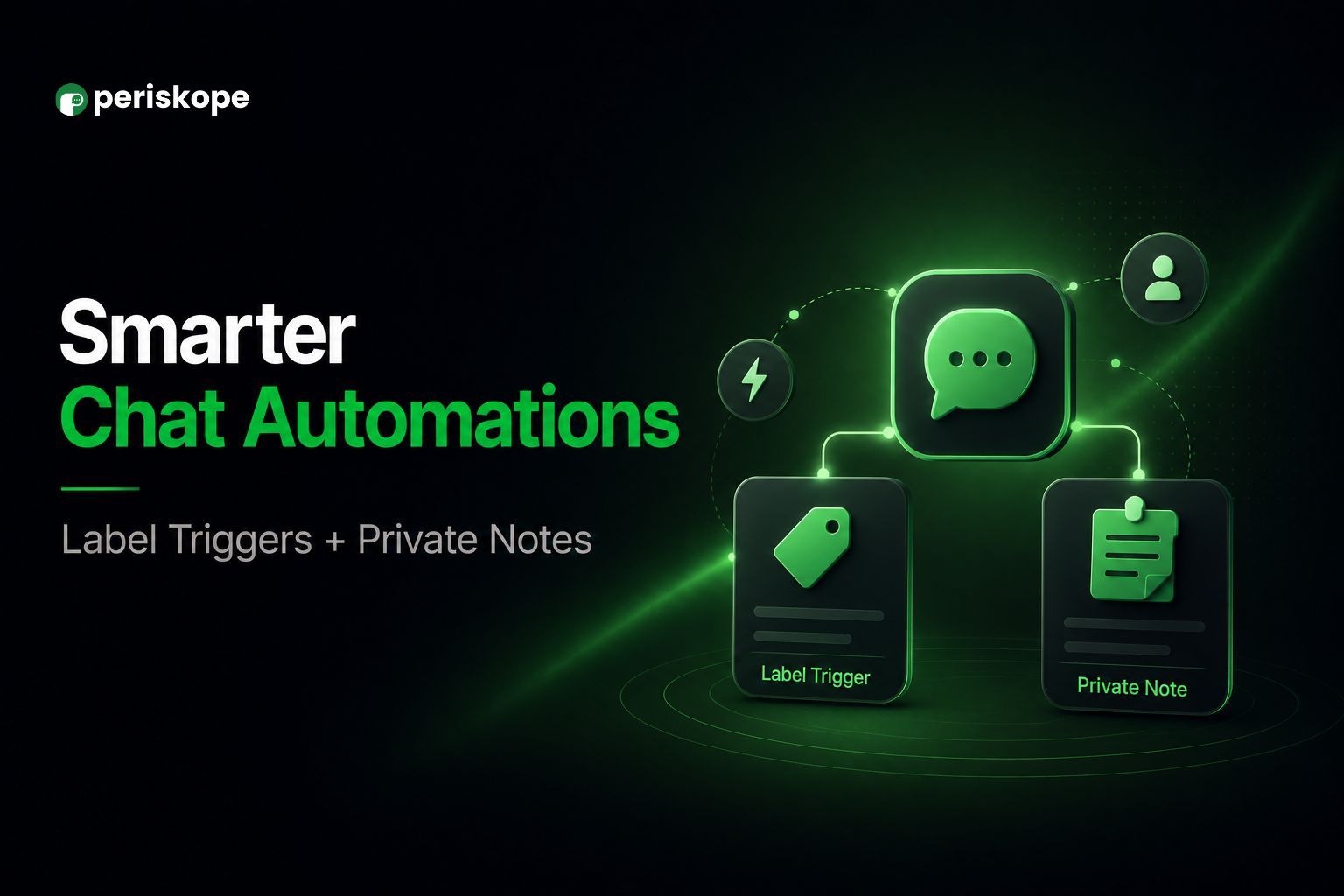
This release makes it easier to add internal context to chats, export private notes, and manage chat status programmatically through the API.
✅ Trigger automations when specific labels are added or removed
Two new automation rule triggers are now available: Chat Label Added and Chat Label Removed.
Unlike the existing Label Updated trigger, which fires on any label change, these triggers fire specifically when a label is added to or removed from a chat.
You can select one or more labels directly in the trigger, so the rule runs only when one of your selected labels is added or removed. This makes it easier to build targeted automations.
📝 Add private notes automatically with automation rules
Automation rules can now send private notes to chats.
Private notes are visible only to your team, support media attachments and template variables such as chat name and sender details, and work with every rule trigger.
This makes it easier to automatically add internal context to a chat, such as flagging why a conversation was escalated.
📤 Export private notes
You can now export your team's private notes across all chats to a CSV using the new dedicated Private Notes Export.
The export includes:
Note text
Author
Chat
Timestamps
Media references
You can filter exports by date range and schedule them to run automatically, just like other exports.
🔌 Update chat status via API
The Chat Update API now accepts a status parameter, allowing you to open or close chats programmatically from your own systems and integrations.
If you have any questions or feedback, let us know. See you next week! ✨