New Feature Alert: Data Exports to CSV! 📊
Hey everyone! 👋
We’ve got something new that we think you’re going to love—CSV Exports! 🎉
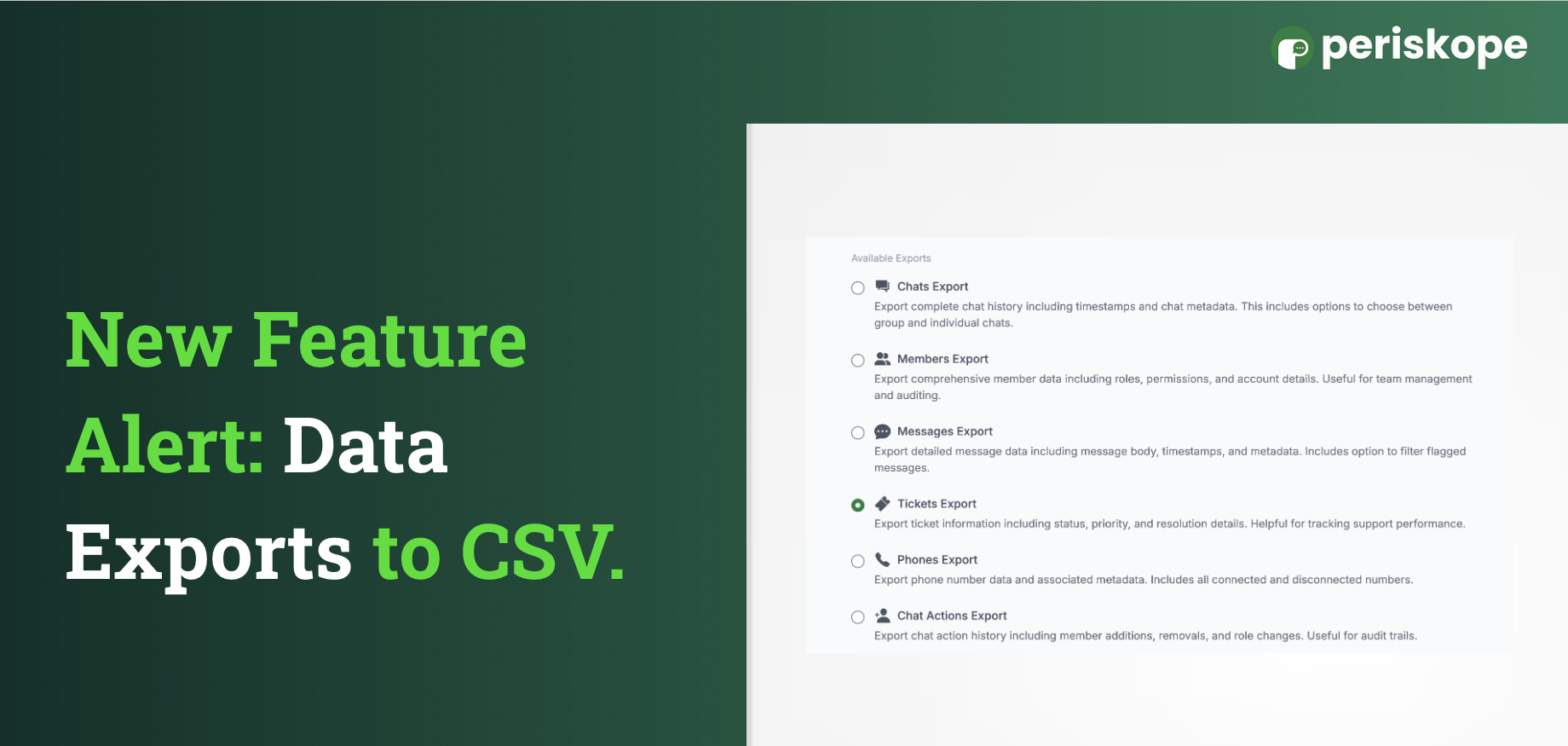
Now, you can easily export all your important data like chats, messages, tickets, phone info, member details, and chat actions—straight into a neat CSV file, all from the frontend. 📈
Here’s how it works:
Head over to the Analytics section on the right-hand side.
Find Data Exports.
Pick what you want to export:
Chats Export
Members Export
Messages Export
Tickets Export
Phones Export
Chat Actions Export
Click Export! 🎯 Then, just choose the time range for the data you need.
Boom! Your CSV is ready to download.
Please note, this feature is available for Pro and Enterprise users only!
We’re super excited about how this will make syncing your data so much easier! 🙌