New Feature Alert: Recurring Scheduled Messages! 🚀
Hey everyone,
It’s raining new features at Periskope! We’re thrilled to introduce one of the most awaited updates—Recurring Scheduled Messages!
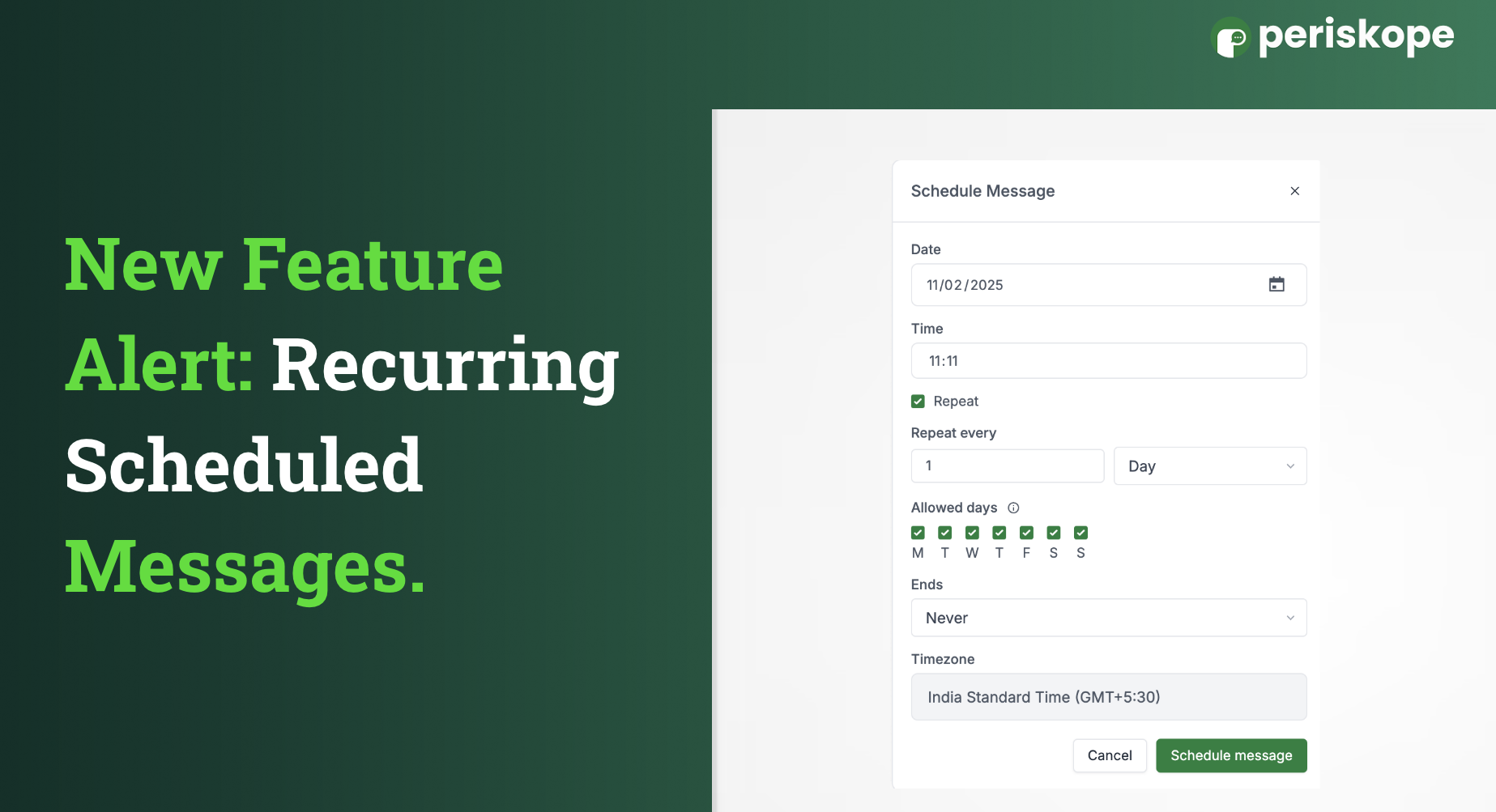
Now, you can schedule the same message to be sent multiple times in the same chat or group, making communication smoother and more automated.
🔄 How to Set Up Recurring Scheduled Messages:
Go to the chat where you want to schedule a message.
Type your message.
Click on the clock icon at the bottom of the message box.
Select the date and time for the message to be sent.
Want it to repeat? Click on Repeat, choose the days, and set an end date if needed.
That’s it! Your message will go out as scheduled, automatically.
We hope this helps automate a lot of your daily messages and takes some manual work off your team's plate!
Got an idea for a cool feature? Drop it on Featurebase, and we just might build it next! 🚀