New Triggers in Automation Rules – Ticket Closed & Message Deleted
Hey there 👋
We know how much you love automation rules, so we’ve added two new triggers to make them even more powerful:
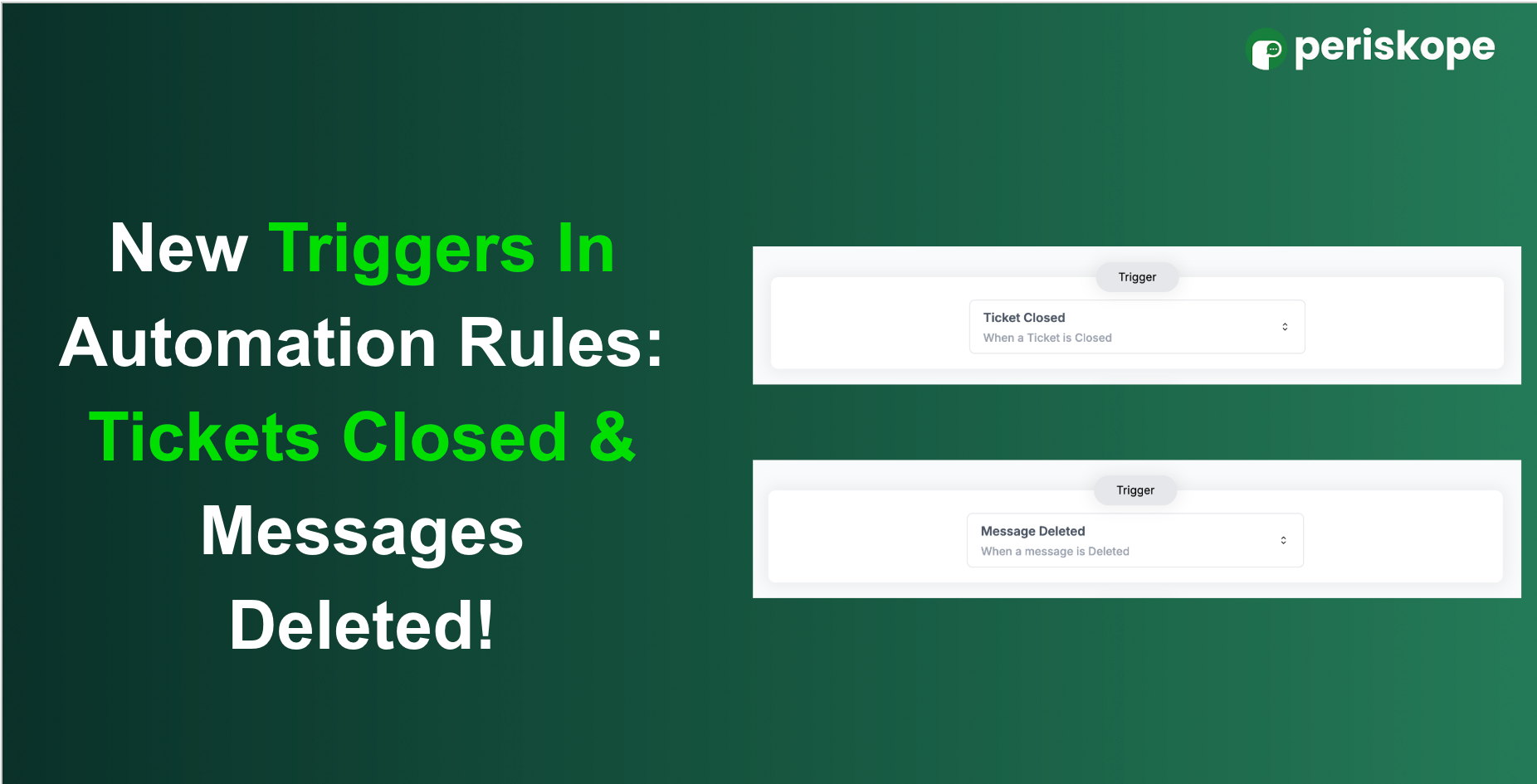
Ticket Closed – triggered when a ticket is marked as closed
Message Deleted – triggered when a message is deleted for everyone
How to set them up:
Head to the Automation Rules section
Click on “Create New Rule”
Choose one of the new triggers: Message Deleted or Ticket Closed
Set your desired actions and you’re all set!
Here are a couple of use case examples:
Trigger: Ticket Closed → Action: Send an automated message like “Your ticket has been closed.”
Trigger: Message Deleted → Action: Send an email to the manager notifying them that a message was deleted, so nothing goes unnoticed.
We hope these new triggers help you stay even more productive and in control!
Got feedback or ideas? We’re all ears share them here.