Personalize your inbox with Saved Filters
Have a custom filter that you frequently use?
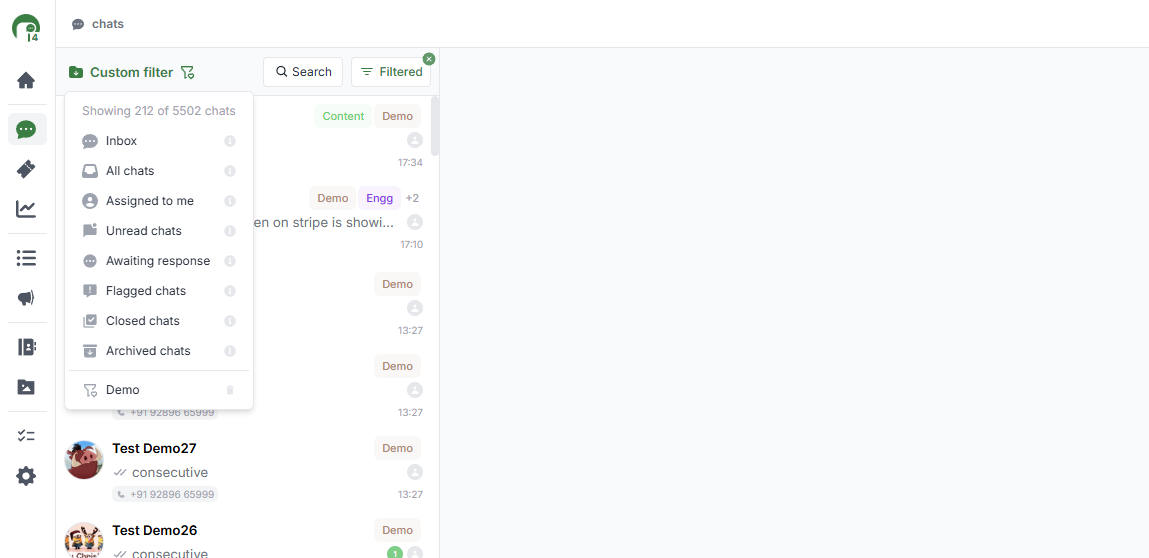
You can now save it, so that you can easily access it from the views dropdown
Select the filter you want to apply
Click on the icon next to the text - ‘Custom Filter’
Enter a name for the saved filter
You can now access it from the dropdown to apply it with one click