Setup Recurring Scheduled Messages on WhatsApp | Launch Week 8, Day 3
Hi There,
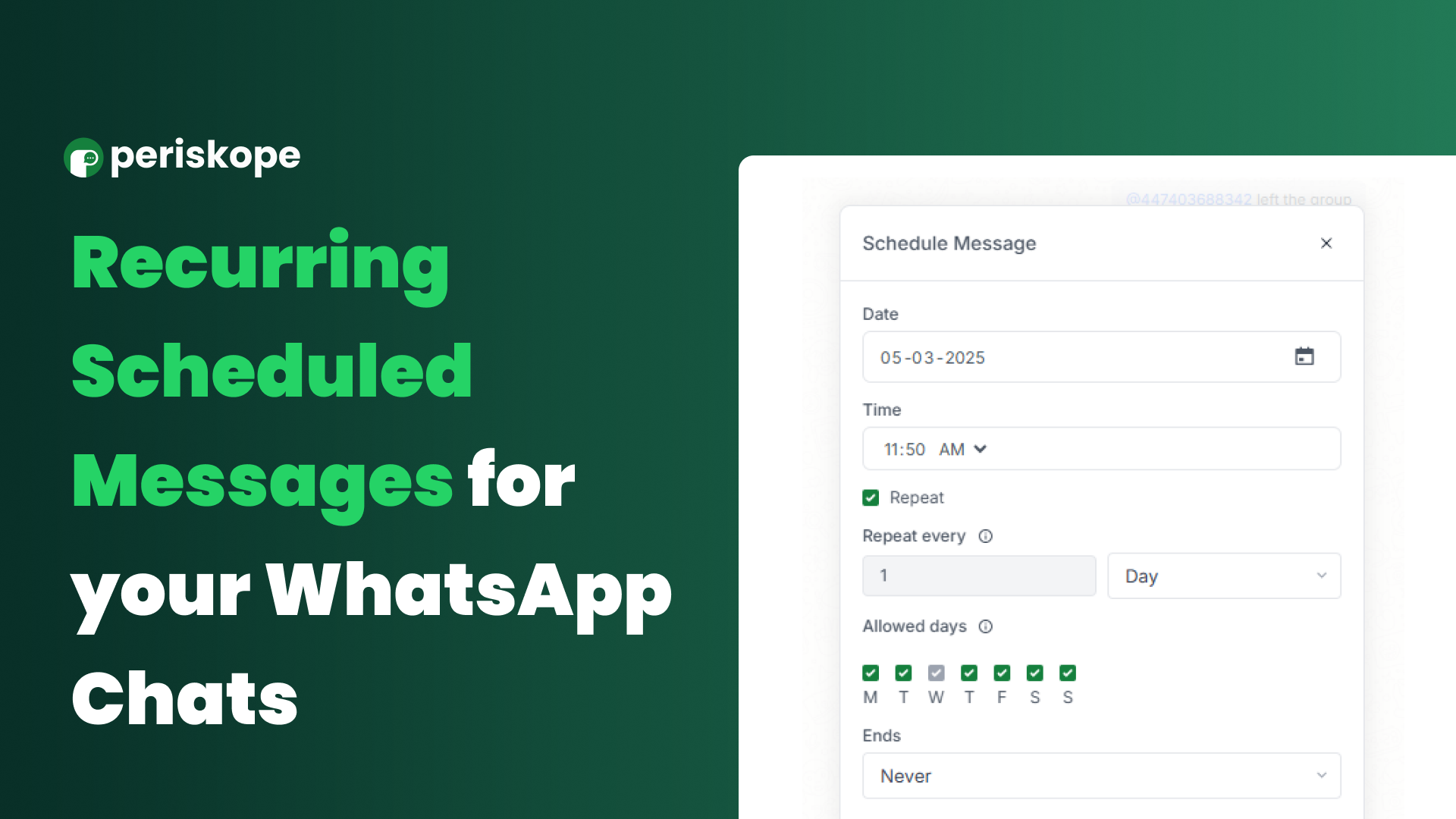
On Day 3 of Launch Week 8, we’re making WhatsApp messaging even more effortless with Recurring Scheduled Messages!
Whether it’s daily reminders, weekly updates, or monthly announcements, you can now automate repetitive messages and save time.
No more manual follow-ups—just set it once and let it run!
💡 Use Cases for Recurring Scheduled Messages:
Daily or Weekly Reminders: Send shift schedules, team stand-up reminders, or routine updates.
Customer Engagement: Share regular tips, promotional messages, or engagement prompts in WhatsApp groups.
Billing & Payments: Automate monthly invoice reminders for clients.
Event Coordination: Remind participants about weekly classes, webinars, or meetings.
🔄 How to Set Up Recurring Scheduled Messages:
1️⃣ Open the chat or group where you want to schedule a message.
2️⃣ Type your message.
3️⃣ Click the clock icon at the bottom of the message box.
4️⃣ Select the date and time for the message to be sent.
5️⃣ Want it to repeat? Click Repeat, choose the frequency, and set an end date if needed.
That’s it! Your message will go out as scheduled, keeping things on track while reducing manual work.
🚀 Try It Out Today
Try it out and take one more task off your plate! Interested? Read more in our documentation below.
Read the Docs: https://docs.periskope.app/features/recurring-scheduled-messages
Stay tuned for more exciting feature launches this week!