Stay Notified on the Go – Phone Notifications Now on PWA! 📱
Hi there,
We know you’re not always in front of your desktop and staying in the loop when something critical happens is important.
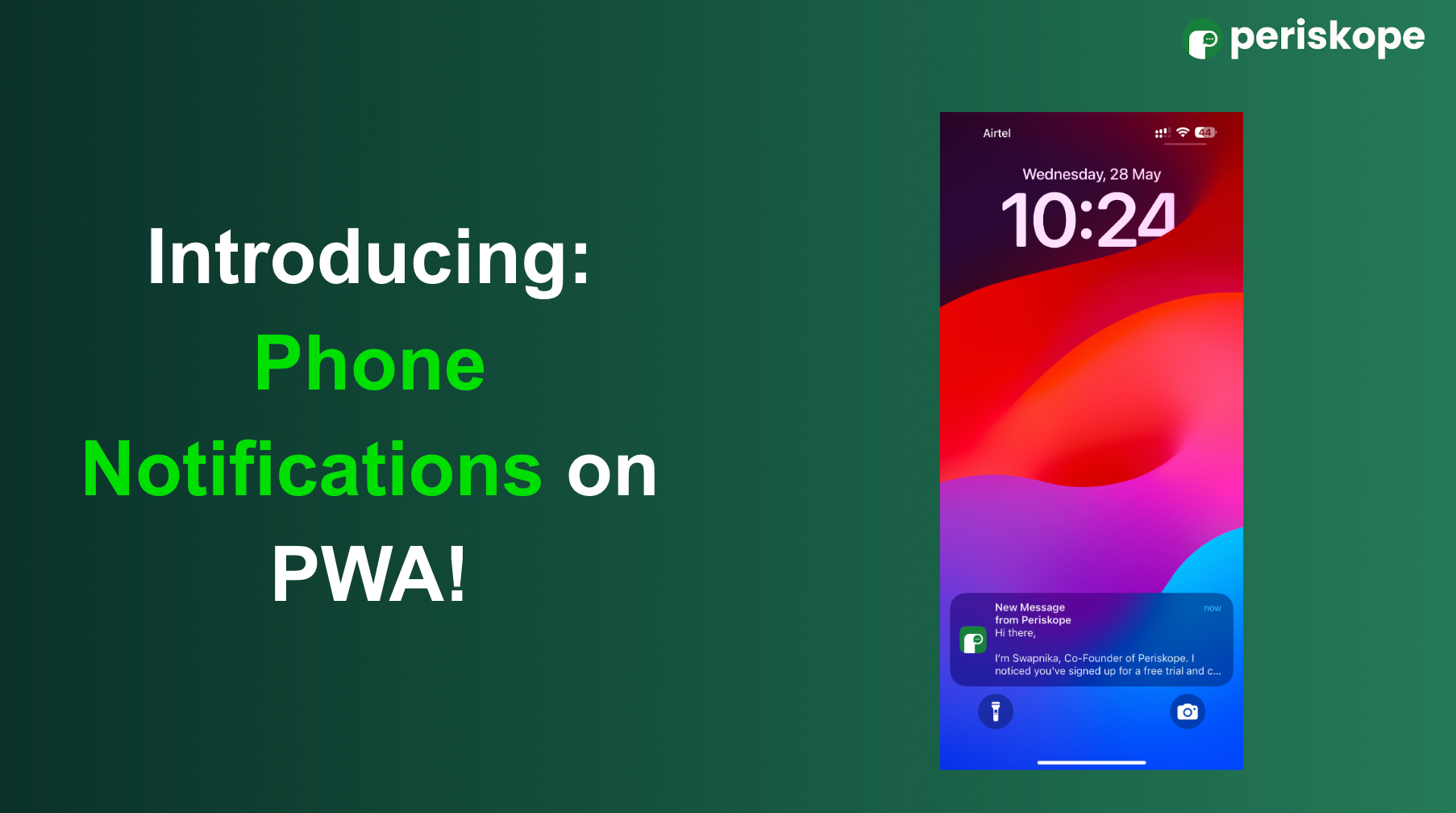
That’s why we’re excited to introduce phone notifications for the Periskope PWA!
Here’s how to set it up:
Open console.periskope.app on your phone browser
Tap “Install” at top, the Periskope app will be added to your home screen
Open the app, and tap “Allow Notifications” in the top-right corner
That’s it! You’ll now receive notifications right on your phone even when you're away from your desk.
We hope this helps you stay on top of everything, even when you're on the move.
Got feedback or ideas? We’re all ears – share them here.
1 comment