Ticket Custom Properties & Exports
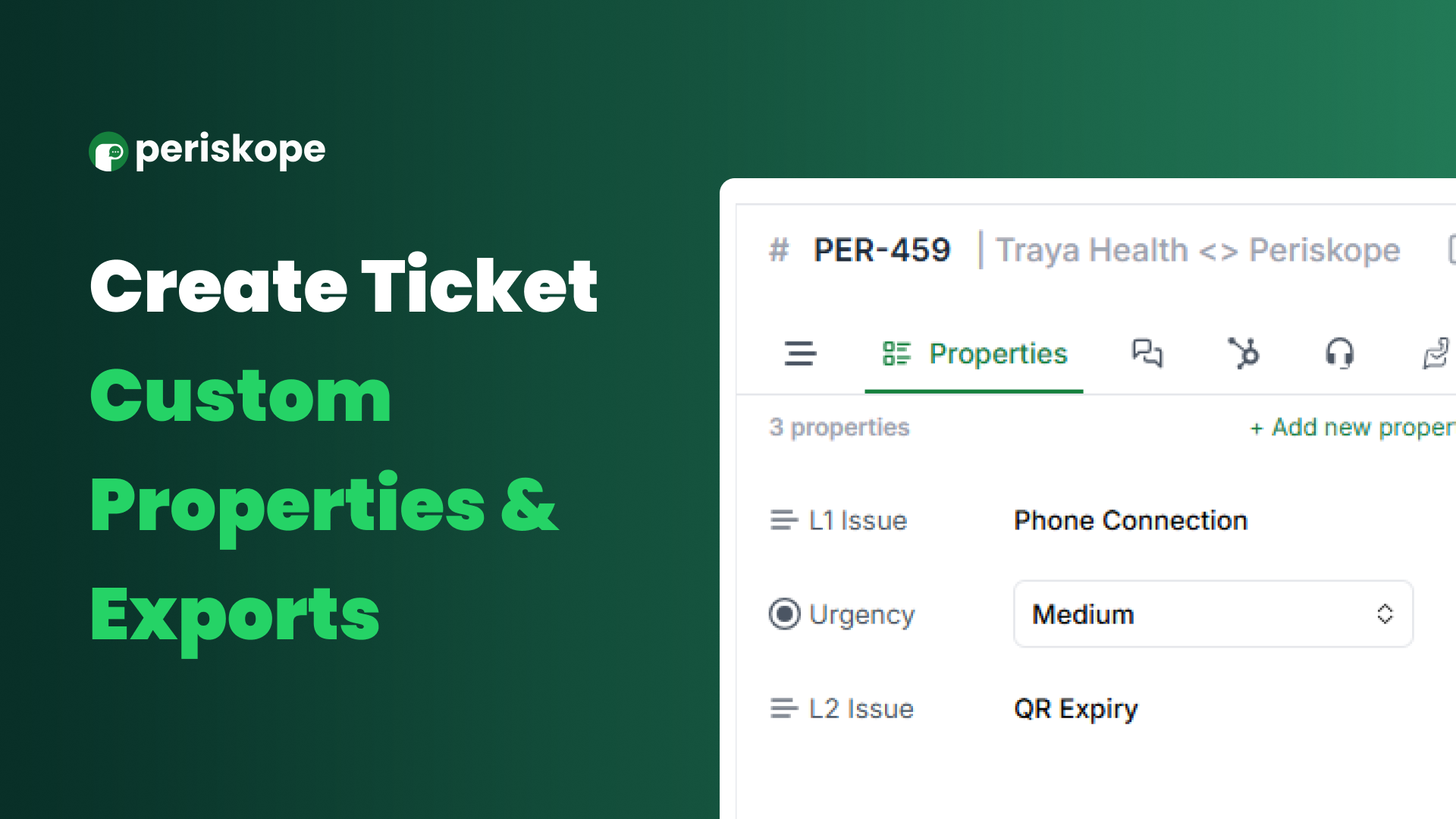
Today, we’re excited to roll out Ticket Custom Properties and Ticket Exports, designed to make managing and analysing tickets easier and more flexible.
Custom Properties for Tickets
Need a custom field for L1/L2/L3 issues, escalations or additional IDs? Custom properties let you add fields to tickets that capture the information your team needs.
How to Create Ticket Custom Properties
First create a ticket by right clicking on a message or using the label emoji
Navigate to the ticket and click on "Properties" on the RHS
Click on "Add property" to add a new ticket property
Quick & Easy CSV Exports
Now you can select tickets and export them to a CSV with just a click. This makes it simple to analyse data, create reports, or import ticket data into other tools.
How to Use CSV Export:
Select the specific tickets from the tickets tab
Right click and choose "Export"
Try out ticket custom properties and CSV exports today to simplify and streamline your ticket management!