New Feature: Manage Member Permissions
Hey there,
Our product team is always building new features, and we’re excited to introduce new controls to Manage Member Permissions!
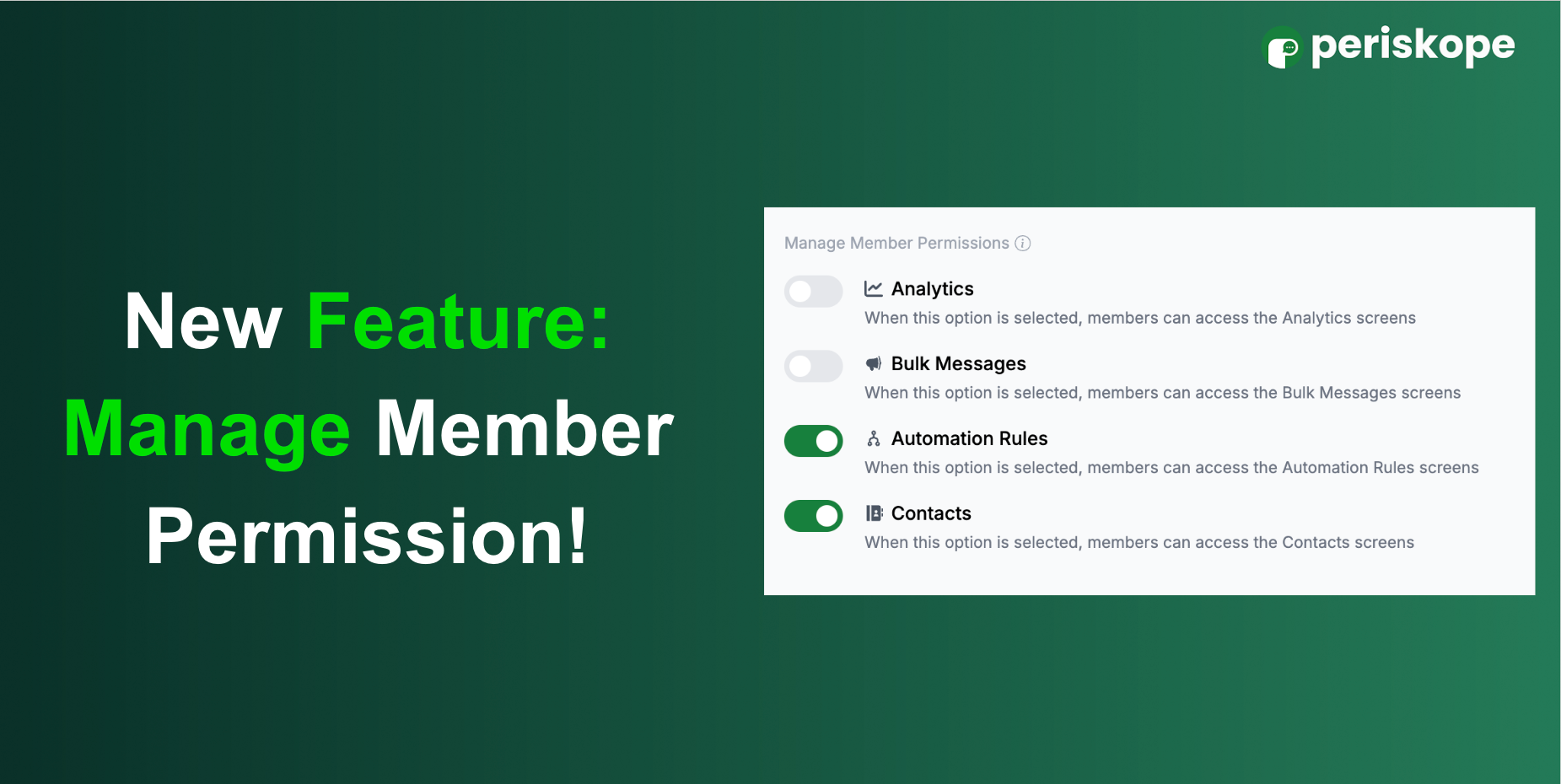
You can now control and restrict member access to screens like Analytics, Bulk Messages, Automation Rules, and Contacts, giving you more control in managing your workspace.
Here’s how to set it up:
Go to Settings
Navigate to Config > Manage Member Permissions
Toggle on the screens you want to restrict for your members
Members won’t see the screens that are restricted.
We hope this helps you better manage your team’s access and maintain control over key features.
Got suggestions or feedback? We’d love to hear from you! Submit your requests here: https://periskope.featurebase.app